Online Safety Tips: A Practical Guide for Digital India
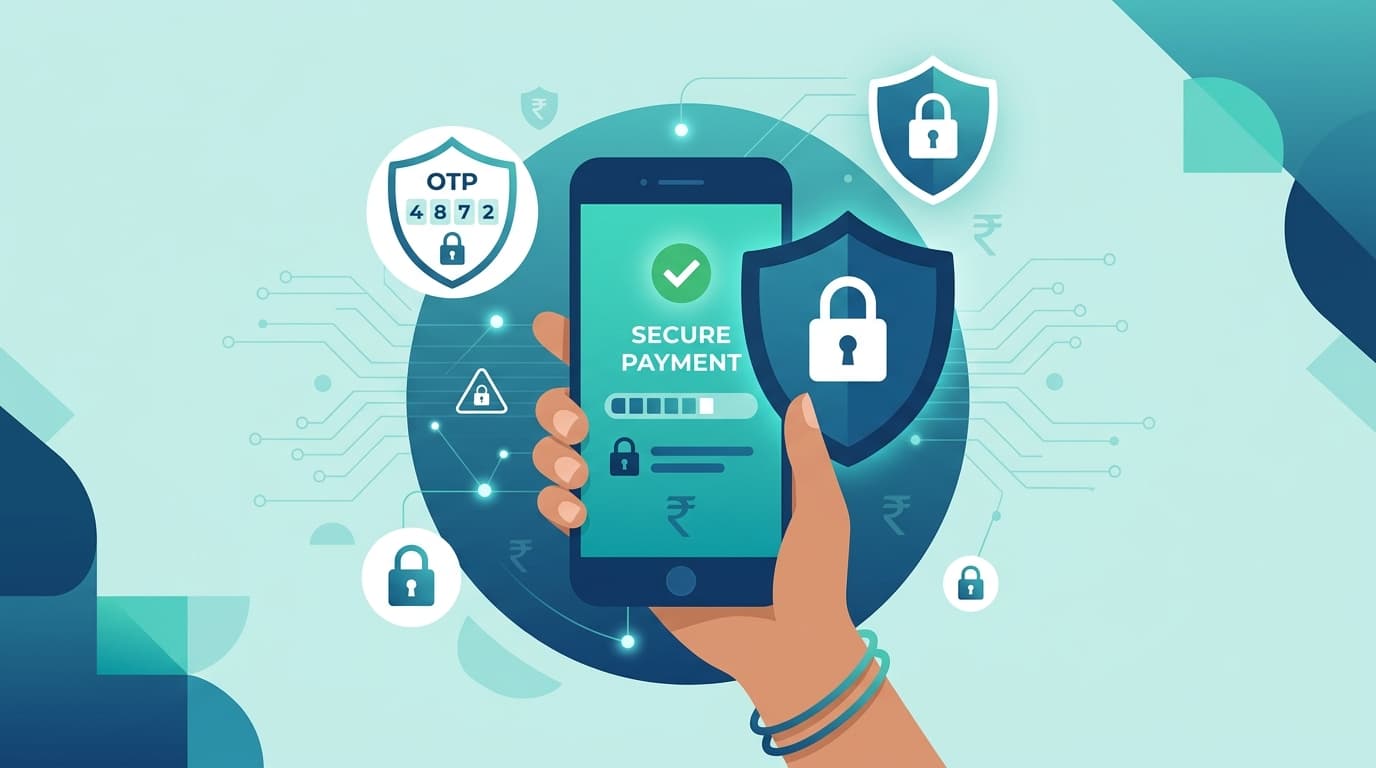
Master online safety tips for India. Learn to secure digital payments, ignore fake KYC scams, and browse public Wi-Fi safely with this simple guide by Cyber Yoda.
Navigate the vast digital landscape of India with wisdom and care. Follow these principles to keep your presence secure and your peace of mind intact.
Mastering Digital Payments
Your hard-earned wealth requires a watchful eye during every transaction.
- Never share OTPs: A bank official will never ask for your one-time password over a call.
- Verify payment requests: Only enter your unique PIN when you are the one initiating a payment to someone you trust.
- Check the merchant: Inspect the name on the digital payment screen carefully before you confirm any transfer.
- Enable transaction alerts: Keep your notifications active so you remain aware of every single movement in your balance.
Defeating Deceptive Messages
Many threats arrive hidden inside urgent requests for your attention.
- Ignore fake KYC claims: No legitimate service will threaten to close your account via a text message link.
- Scrutinize delivery alerts: Be wary of unexpected messages about parcels that require payment to release your package.
- Avoid suspicious links: Never click on shortened URLs from unknown senders as they often lead to dangerous portals.
- Report fraudulent senders: Use the blocking tools provided by your messaging application to stop these intruders in their tracks.
Securing Your Identity
Your personal details are the keys to your kingdom and must be guarded fiercely.
- Limit public sharing: Avoid posting sensitive information like home addresses or phone numbers on open social media profiles.
- Use strong passwords: Create unique, complex phrases for every account instead of relying on simple names or dates.
- Activate dual security: Always enable two-factor authentication to add an extra layer of protection to your logins.
- Secure physical documents: Do not share photos of your government identity cards with unknown individuals or untrusted websites.
Navigating Public Connections
The digital air in public spaces can be filled with hidden traps for the unwary.
- Avoid public Wi-Fi: Open networks in airports or cafes are often monitored by those looking to steal your information.
- Use mobile data: Rely on your personal cellular network instead of joining unsecured public internet hubs.
- Disable auto-connect: Turn off your device settings that automatically join nearby wireless networks without your permission.
- Use a secure tunnel: If you must connect to public internet, ensure you use a trusted service to encrypt your traffic.
Maintaining Digital Hygiene
Routine maintenance keeps your tools strong against the shifting tides of the web.
- Update your software: Regularly install patches for your operating system to repair vulnerabilities discovered by developers.
- Clean your apps: Periodically remove digital applications you no longer use to reduce your exposure to risk.
- Review your privacy: Check your social media settings often to ensure only those you approve can see your activity.
- Monitor connected devices: Frequently inspect which accounts are logged into your profiles and remove any you do not recognize.
Frequently Asked Questions
How do I know if a call is genuine?
Genuine organizations will always allow you to hang up and call them back using the official number from their verified website. If a caller pressures you for immediate action or personal details, it is likely a deception.
What should I do if I suspect I have been hacked?
Immediately change the passwords for your primary accounts starting with your email and banking portals. Contact your financial institutions to place a temporary freeze on your cards or accounts while you assess the situation.
Is it safe to store passwords in my browser?
Storing passwords in a browser is convenient but carries risks if your device is stolen or infected. It is much safer to use a dedicated password management tool that encrypts your credentials behind a master key.
May your digital journey be safe, purposeful, and filled with light.