How to Spot a Fake Online Store and Shop Safely in 2026
Online shopping scams are evolving with AI. Learn how to identify fraudulent storefronts, verify site legitimacy, and protect your finances when buying online.
The Rise of AI-Driven Fraud
Online shopping scams have evolved into highly sophisticated operations in 2026. Criminals now leverage generative AI to build professional storefronts, draft realistic product descriptions, and generate fake customer reviews in minutes. These sites are designed to capture payment details or money from unsuspecting shoppers globally. Identifying these threats requires a systematic approach to verifying the legitimacy of a retailer before you commit to a purchase.
Signs of a Scam Website
Modern fraudulent sites work to mirror the appearance of established brands. To avoid falling victim to online shopping scams, watch for these specific indicators:
- Too Good to Be True Deals: Discounts of 70 to 90 percent on luxury goods or electronics are almost always indicators of fraud.
- Urgency and Pressure: Scammers use fake countdown timers or warnings about limited stock to force impulsive decisions.
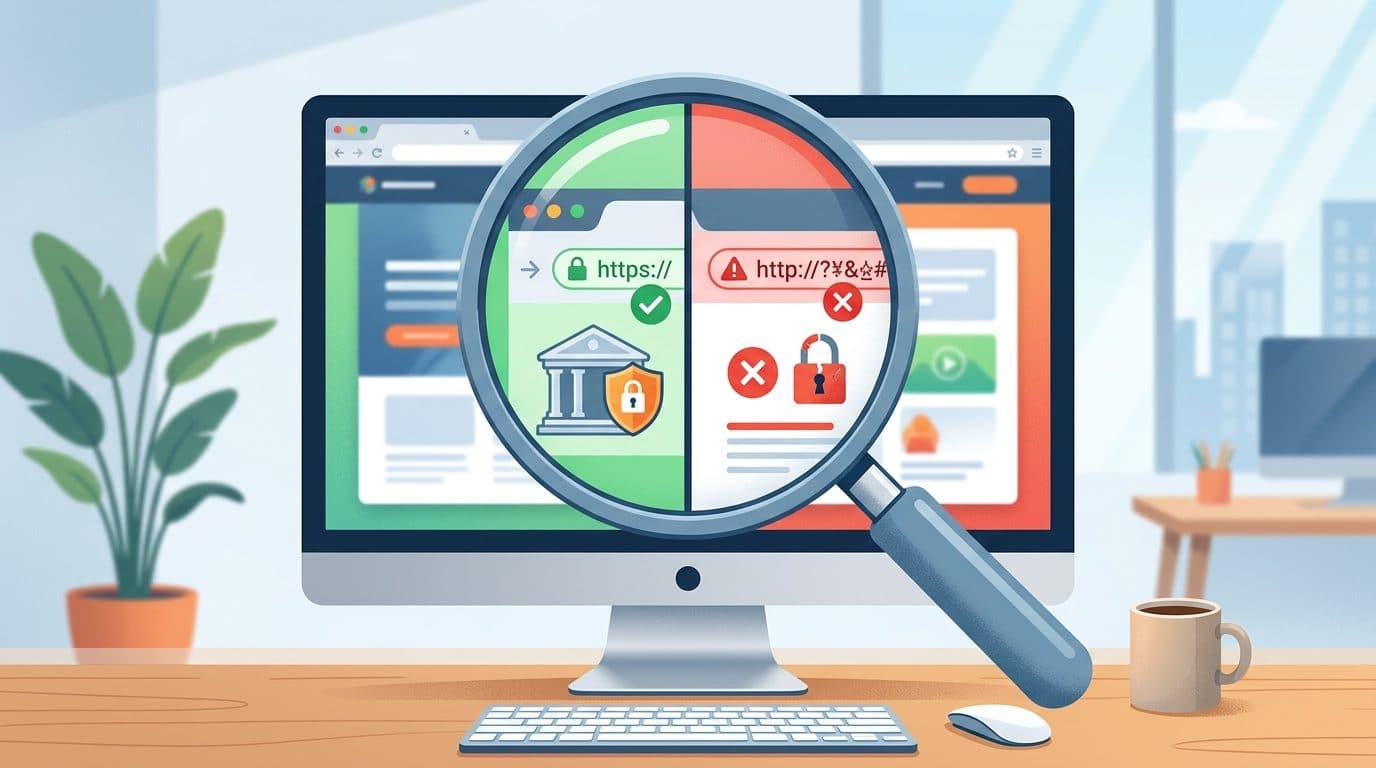
- Suspicious URLs: Check the address bar closely. Fraudsters often use lookalike domains, such as changing a single letter in a brand name or adding an unnecessary hyphen.
- Poor Contact Information: A legitimate business will provide verifiable physical addresses and working customer service lines. If the contact page is empty or lists only a generic web form, treat it as a red flag.
- Limited Payment Options: Be wary if a site only accepts direct bank transfers, cryptocurrency, or obscure mobile wallets. These methods lack the buyer protections offered by traditional systems.
Verifying Website Legitimacy
Before entering any personal or financial information, perform these verification steps:
- Manual Search: Instead of clicking ads on social media, search for the brand name manually in a search engine.
- Check Domain Age: Use a WHOIS lookup tool to see when the website was registered. Very young domains are often high-risk, as scammers frequently launch and abandon sites quickly.
- Security Scanners: Utilize tools like Google Safe Browsing, VirusTotal, or URLVoid to check the site’s historical reputation.
- Understand HTTPS: While the padlock icon indicates an encrypted connection, it does not confirm the site is honest. Encrypted channels are standard for both legitimate retailers and sophisticated criminal operations.
Detecting Fake Reviews
AI has made fake feedback harder to distinguish from genuine customer experiences. Look for reviews that are overly generic, such as simple praise without mentioning specific product details or the buying process. Additionally, a sudden, unnatural surge of five-star reviews in a short window often signals artificial manipulation.
Secure Payment Practices
Use payment methods that prioritize buyer protection. Digital wallets like PayPal, Apple Pay, and Google Pay utilize tokenization, which ensures the merchant never directly accesses your actual card numbers. Credit cards remain a safer choice than debit cards, as they offer stronger protections for disputing unauthorized transactions. Avoid wire transfers or crypto payments for purchases from unknown sellers, as these are virtually impossible to reverse.
What to Do If You Are Scammed
If you suspect you have engaged with a fraudulent store, take immediate action:
- Stop Payments: Contact your bank or payment provider to block future transactions or freeze your card.
- Document Evidence: Save screenshots of the product listing, the URL, your order confirmation, and any communication with the seller.
- Report the Incident: In India, contact the national cybercrime helpline at 1930 and file a report at cybercrime.gov.in. In the United States, file a complaint with the FBI’s Internet Crime Complaint Center (IC3). Users in the UK should contact Action Fraud.
Frequently Asked Questions
Does a padlock icon in the browser address bar mean a site is safe?
No. The padlock confirms that data transmitted between you and the site is encrypted, but it provides no guarantee that the company behind the site is legitimate.
Why are social media ads often a source of scams?
Platforms often struggle to verify the legitimacy of every advertiser. Scammers pay for sponsored placements to reach users who may not be searching for the product otherwise.
Can I get my money back if I pay via bank transfer?
Direct bank transfers are difficult to reverse. Contact your bank immediately to see if the transaction is still pending, but understand that once funds are sent to a scammer’s account, recovery is rarely guaranteed.
Sources
- Internet Crime Complaint Center [IC3]
- Indian Cyber Crime Reporting Portal [cybercrime.gov.in]
- URLVoid Website Reputation Check [URLVoid]
- Federal Trade Commission Consumer Advice [FTC]
Related: Buying event tickets online? Read FIFA World Cup 2026 ticket scams: how to spot fake sites and buy tickets safely.