Cyber Safety Tips: Protect Your Digital Life Everywhere
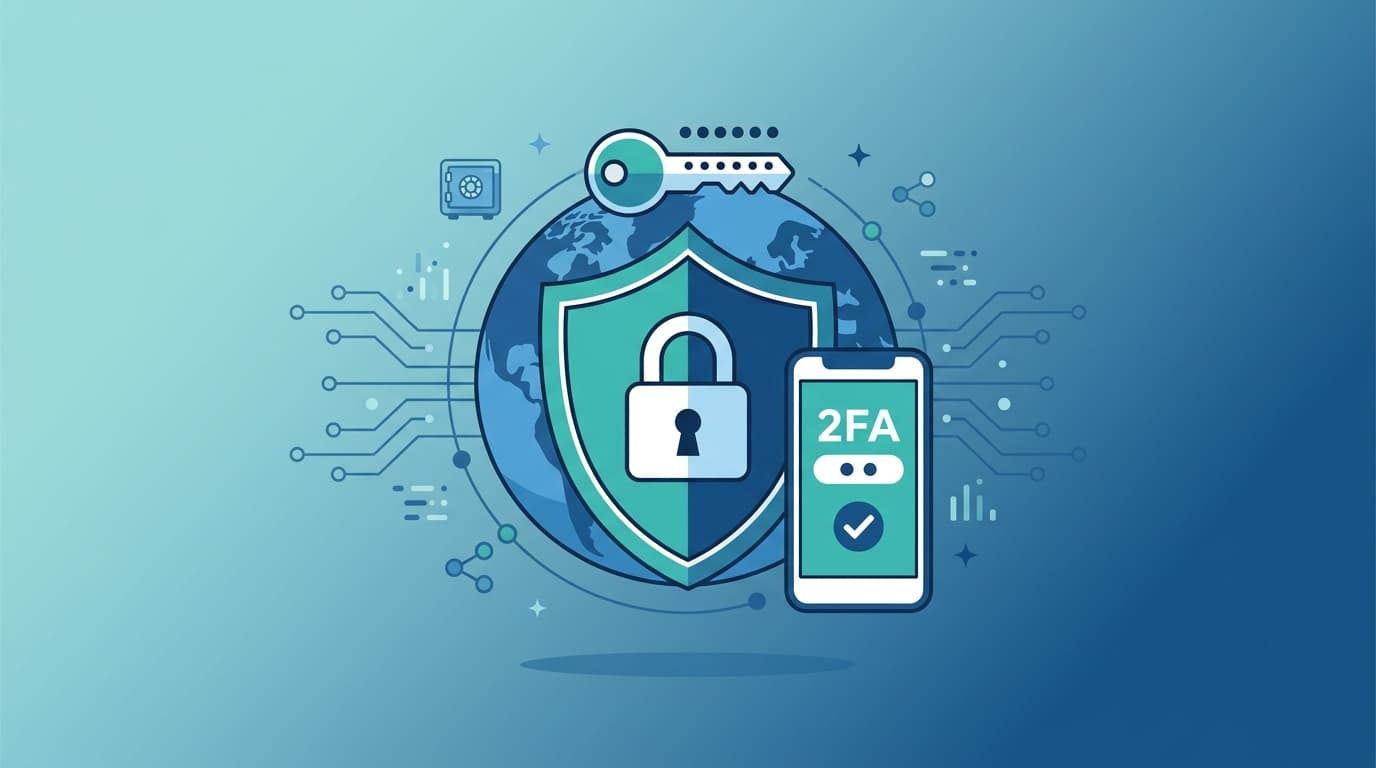
Follow these essential cyber safety tips to protect your personal data globally. Learn about strong passwords, 2FA, and avoiding phishing traps from Cyber Yoda.
Protecting your digital life is a path toward peace of mind. Follow these simple ways to secure your presence across the vast galaxy of the internet.
The Shield of Secret Passwords
Your passwords serve as the primary gatekeepers of your identity.
- Craft unique phrases: Never reuse the same code for multiple sites to prevent a single leak from harming everything.
- Adopt a vault: Use a digital manager to store complex strings so you never have to remember them yourself.
- Choose length over complexity: A long string of random words is often stronger than a short combination of confusing symbols.
- Keep them hidden: Never share your credentials with others or write them on physical notes near your workspace.
The Double Lock of Authentication
Adding a second layer of defense stops intruders even if they possess your key.
- Enable verification: Always turn on two-factor settings to ensure a secondary check confirms your identity.
- Prefer hardware keys: Use physical devices or biometric scans when possible for the highest level of protection.
- Avoid basic texts: Opt for dedicated authentication applications rather than standard mobile messages for more reliable security.
- Save your recovery codes: Keep backup methods in a safe place so you are not locked out if you lose your primary device.
The Art of Seeing Through Phishing
Deception is the oldest tool of those who wish to do you harm.
- Pause before clicking: Take a deep breath and inspect every link to ensure it leads to the destination you expect.
- Verify the sender: Examine the address behind a message to ensure it matches the official source perfectly.
- Ignore urgent threats: Scammers thrive on creating panic to force you into making hasty or careless decisions.
- Check for errors: Poor grammar and generic greetings are often clear signs that a message is not what it claims.
The Constant Vigilance of Updates
Keeping your tools current closes the holes that others might exploit.
- Enable automatic updates: Let your systems repair themselves as soon as new protection arrives from the developers.
- Restart your devices: Powering down and back up allows security patches to integrate fully into your machine.
- Purge old applications: Remove software you no longer use to reduce the surface area available for an attack.
- Refresh your browser: Ensure your gateway to the web is always running the latest version to block malicious intrusions.
The Resilience of Regular Backups
Preparing for loss ensures that your important memories and files remain safe.
- Automate your copies: Set your systems to duplicate important data to an external location without needing your constant input.
- Keep a physical distance: Store one copy in a different physical location to survive threats like fire or hardware failure.
- Test your recovery: Periodically verify that you can actually restore your data so you know your backups are functional.
- Encrypt your archives: Ensure your backup files are locked with a strong key so your personal data remains private.
Frequently Asked Questions
Why do I need so many different passwords?
If you use one key for every door, a thief only needs to find one flaw to empty your entire home. Distinct passwords ensure that a breach in one location remains isolated from the rest of your life.
How can I tell if a website is truly safe?
Look for the secure lock icon in your browser address bar as a basic signal of encryption. Always type the address yourself rather than clicking links found in unexpected emails to ensure you land on the intended site.
Is my information ever truly secure?
Security is a continuous practice rather than a final destination you reach once. By remaining mindful and proactive, you make yourself a difficult target that most threats will choose to bypass.
Go forth with confidence, knowing you have the power to protect your digital legacy.